Rewards Views
RewardsTabView
File: Views/Rewards/RewardsTabView.swift
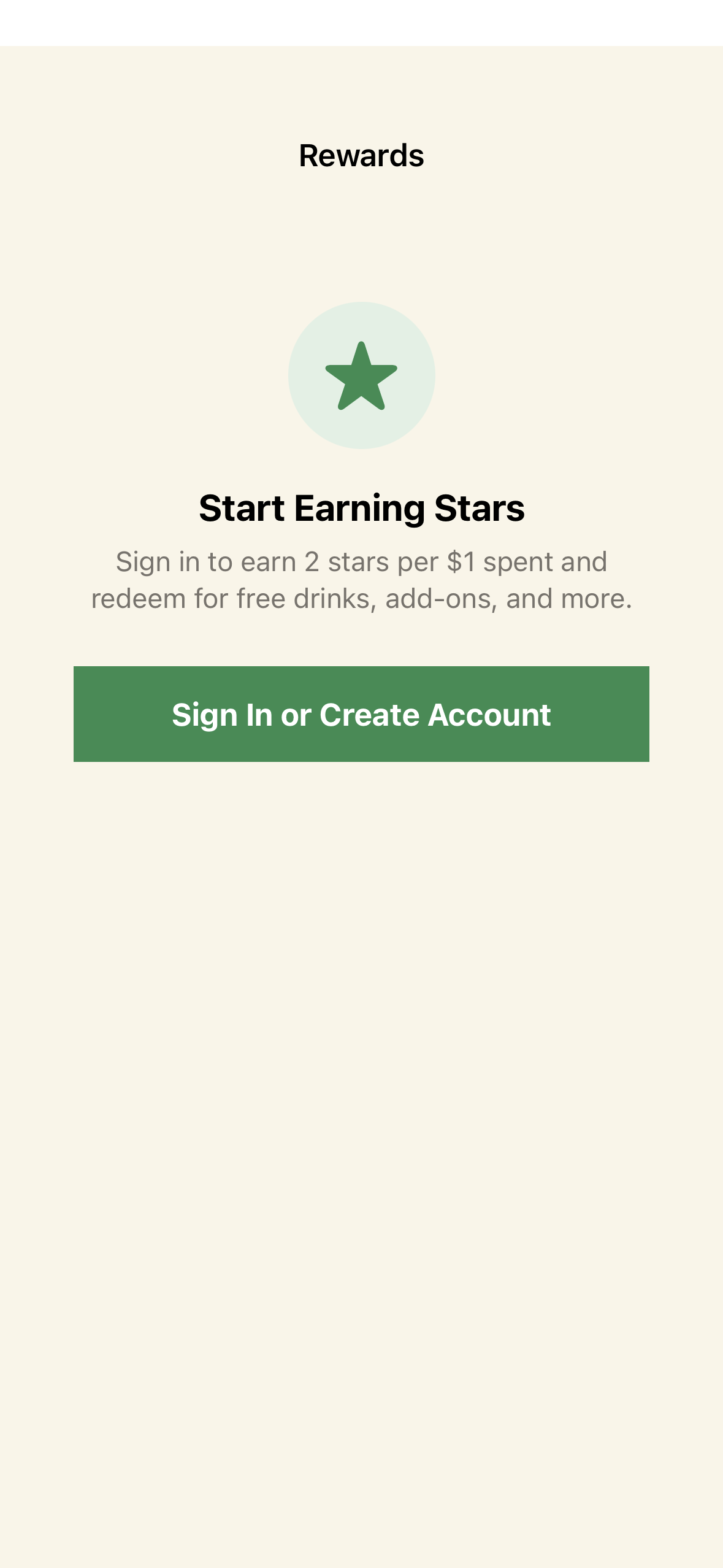
The Rewards tab showing loyalty status, available rewards, and transaction history.
Sections
-
Tier Progress Card
- Current tier name and color
- Star balance
- Progress bar to next tier
- Stars needed for next tier (or “Max tier” for Platinum)
-
Available Rewards
- Cards for each reward accessible at the user’s tier
- Shows: reward name, description, stars required
- “Redeem” button (enabled if sufficient stars)
- Tier-gated rewards show lock icon
-
Transaction History
- Recent star transactions (last 50)
- Each shows: type icon, description, amount (+/-), date
- Types: Earned, Redeemed, Expired, Bonus, Adjustment
Redemption Flow
- User taps “Redeem” on a reward
- Confirmation dialog appears
RewardsViewModel.redeemReward(rewardId:)- Stars deducted, redemption recorded
- Updated balance shown
- Success feedback