Staff & Admin Views
StaffOrdersView
File: Views/Staff/StaffOrdersView.swift
The order queue (Kitchen Display System) for employees and admins.
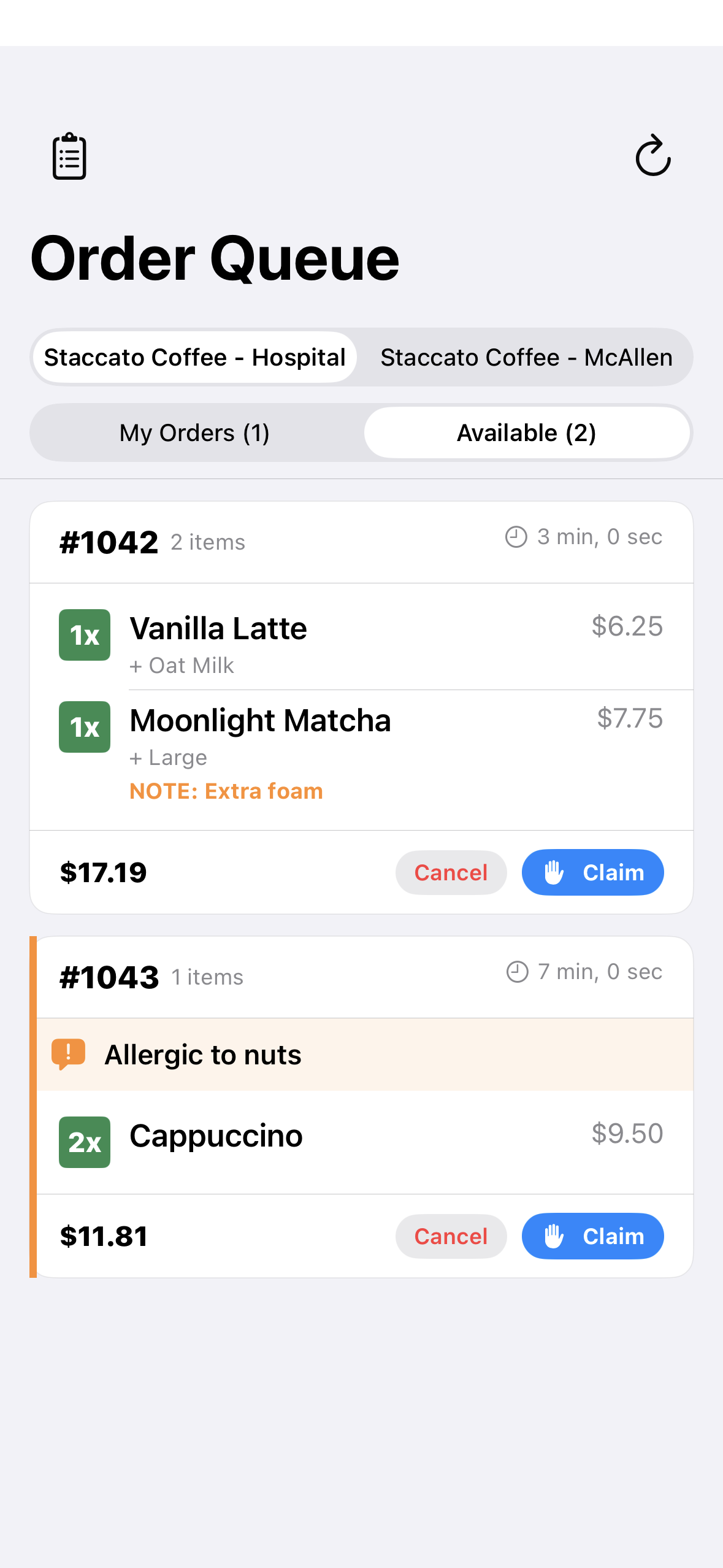
Features
- Filter tabs: All, Pending, In Progress, Ready
- Order cards with:
- Order number (e.g., “SC-A042”)
- Status badge (color-coded)
- All items with modifiers and notes
- Time since order placed
- Assigned staff member (if claimed)
- Action buttons per order:
- Pending → “Claim” (assigns to you, moves to In Progress)
- In Progress → “Mark Ready” (you must be the claimer)
- In Progress → “Unclaim” (releases back to queue)
- Ready → “Complete” (marks as picked up)
- Real-time updates via Supabase Realtime
- Pull to refresh for manual reload
Data Flow
AdminDashboardView
File: Views/Staff/AdminDashboardView.swift
Analytics dashboard for admin users. See Dashboard Overview for details.
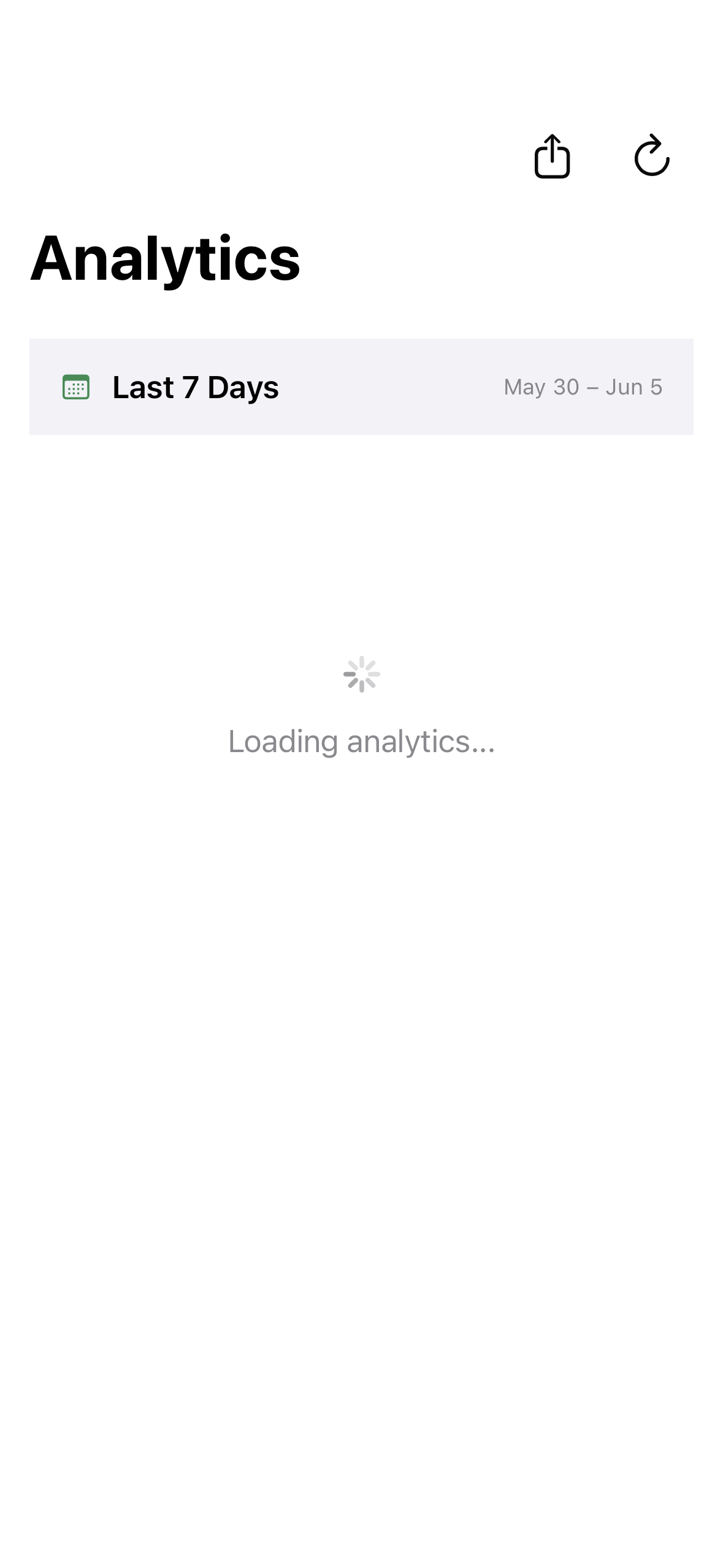
Sections
- KPI summary cards (revenue, orders, avg order, tips)
- Time range selector (7/30/90 days)
- Sales charts
- Hourly distribution
- Top items and popular modifiers
- Employee performance table
- Loyalty tier distribution
- Customer growth metrics
MenuManagementView
File: Views/Staff/MenuManagementView.swift
Admin menu management interface. See Menu Management for details.
Modes
- Items Mode: View, toggle, add, edit, delete menu items
- Ingredients Mode: View, toggle, add, edit, delete modifiers
Employee vs Admin
- Employees: Can only toggle availability (in stock / out of stock)
- Admins: Full CRUD operations on items and modifiers